Press kit
Last updated 20 October 2026
Writing about Airlock, or making a video about it? Everything on this page is yours to use for that. If something is missing, write to hello@useairlock.app. A person reads it.
Download everything Logos, app icon and every picture on this page, in one ZIP (4 MB)
The facts
- Name
- Airlock. In a headline, “Airlock for Mac” is clearest, because other products share the name.
- What it is
- A Mac app that lives in the MacBook’s notch
- Made by
- Guillermo del Olmo, Barcelona, Spain
- Latest version
- 1.2.1, 3 November 2026 (what’s new)
- Price
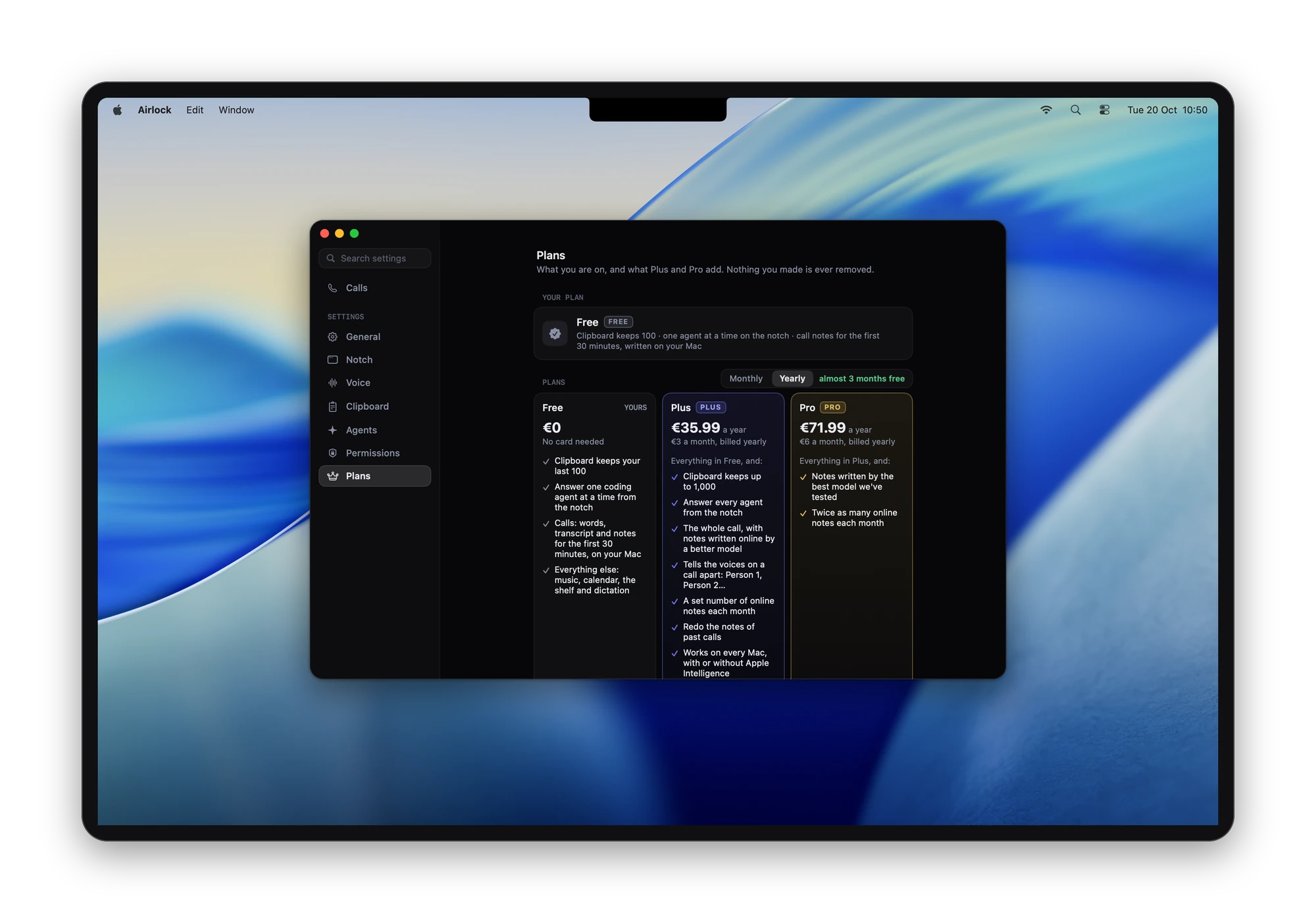
- A Free plan with no card and no account. Plus is €3.99 a month or €35.99 a year; Pro is €7.99 a month or €71.99 a year. What each plan has.
- Needs
- A Mac with a notch (MacBook Pro from 2021, MacBook Air from 2022), Apple silicon, macOS 26 or later
- Get it
- useairlock.app, notarized by Apple, or
brew install --cask gdelolmo7/tap/airlock - Privacy
- No account. What leaves the Mac is listed request by request on the privacy page.
- Source
- Source-available on GitHub (PolyForm Strict licence)
- Contact
- hello@useairlock.app
In one line
A little cloud lives in your Mac’s notch. Clipboard, files, music, dictation, notes of your calls and your coding agents, one glance away.
Short description
Airlock is a Mac app that puts a little cloud in the MacBook’s notch. Hover or click and a panel opens with what’s playing, everything you copied, a shelf for files, today’s meetings, notes of your calls and your coding agents, in the one part of the screen you already look at. Hold a key and talk, and what you say is typed wherever you are.
Longer description
Airlock turns the notch on a MacBook into a small panel. A little animated cloud sits in the closed notch and changes colour and expression with what is going on: music playing, a meeting about to start, a coding agent waiting for an answer. Hover or click and the panel opens.
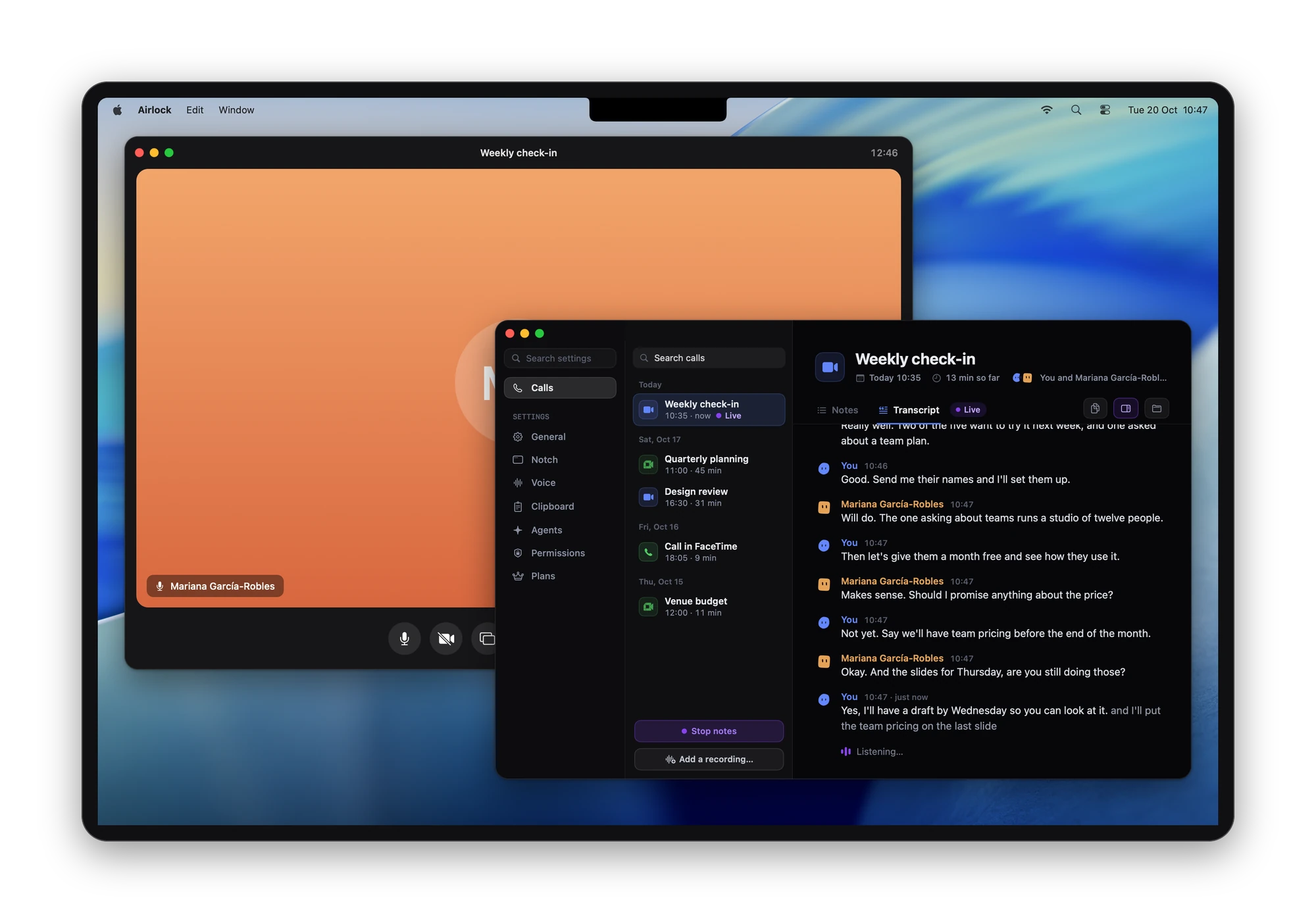
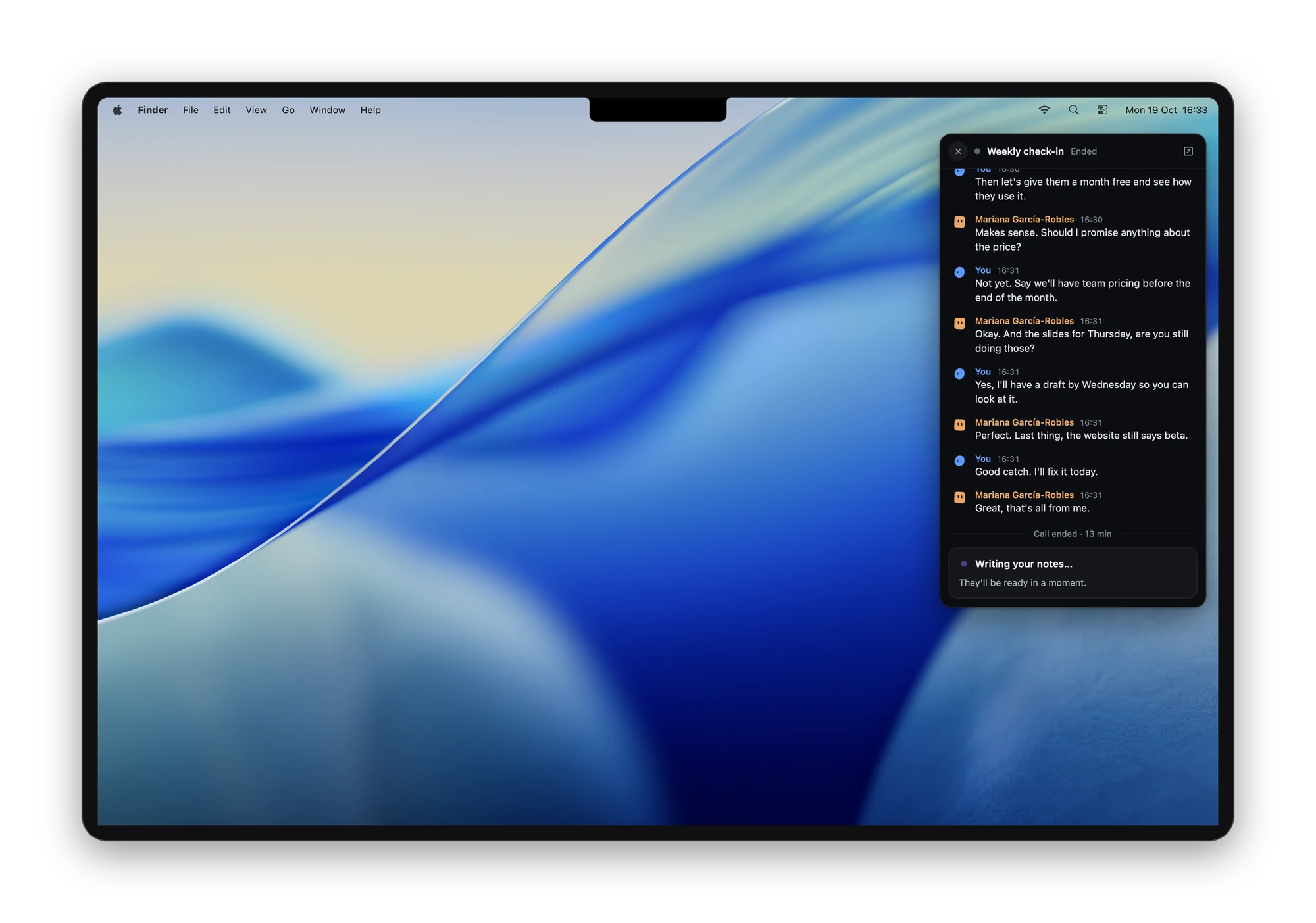
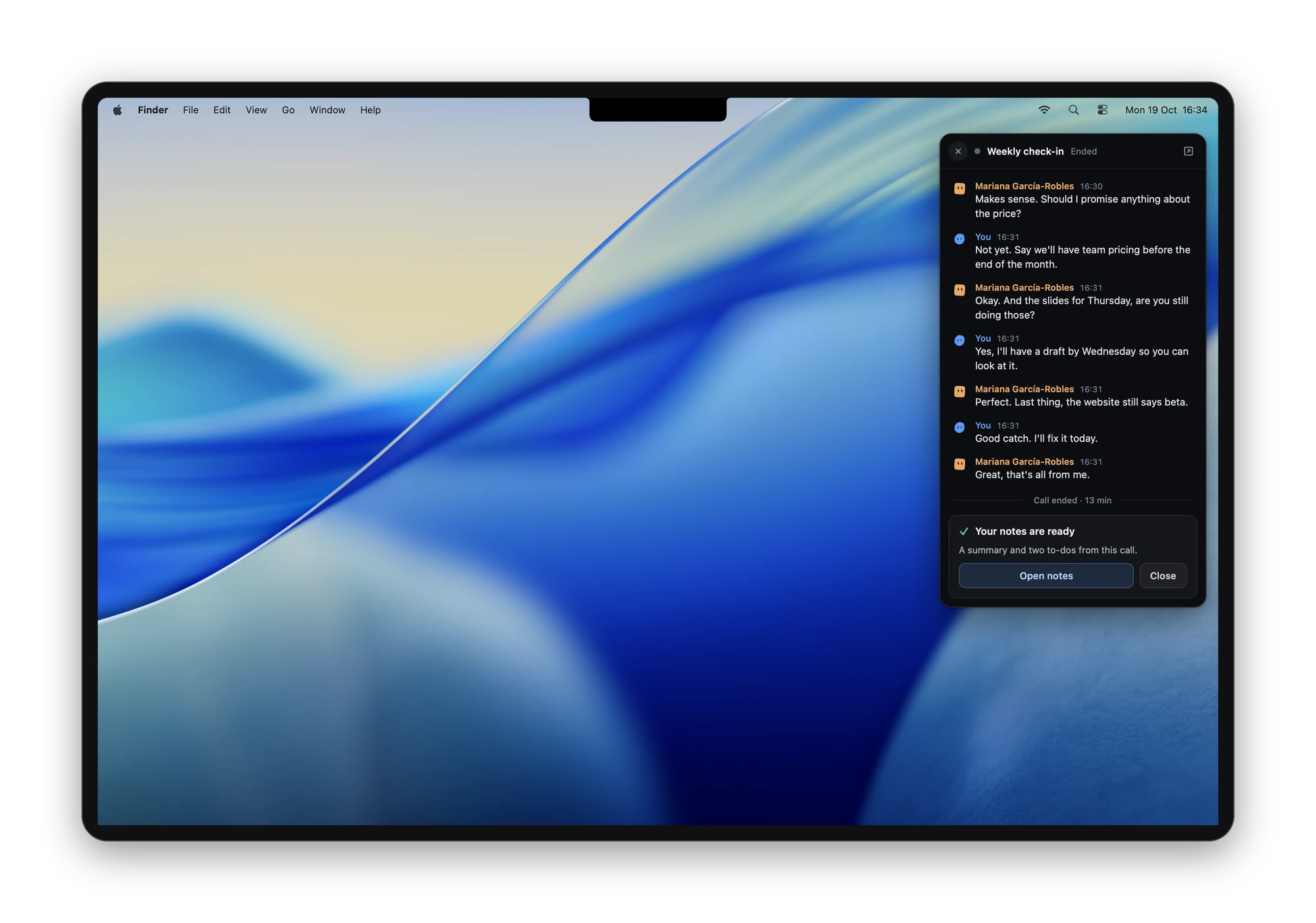
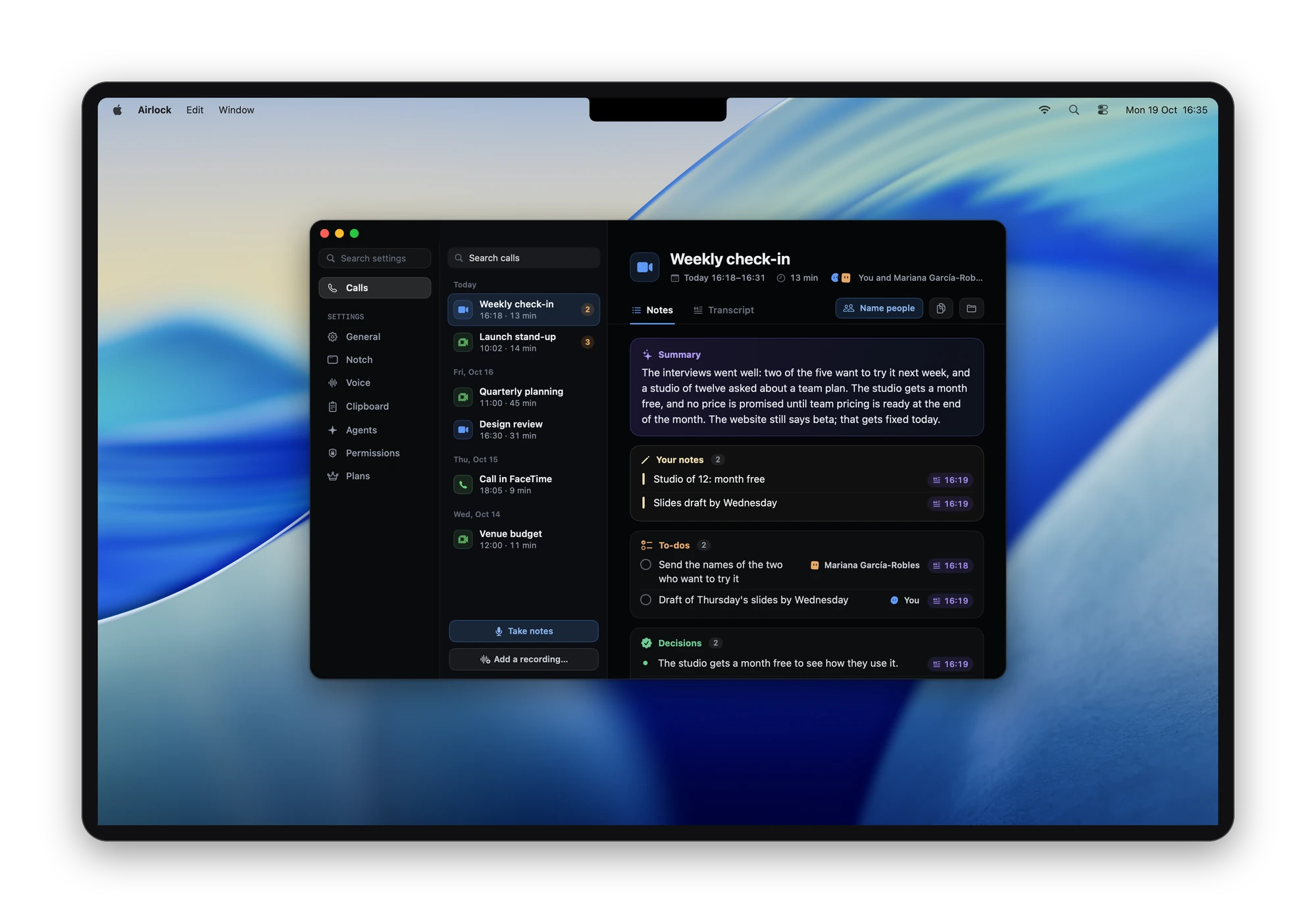
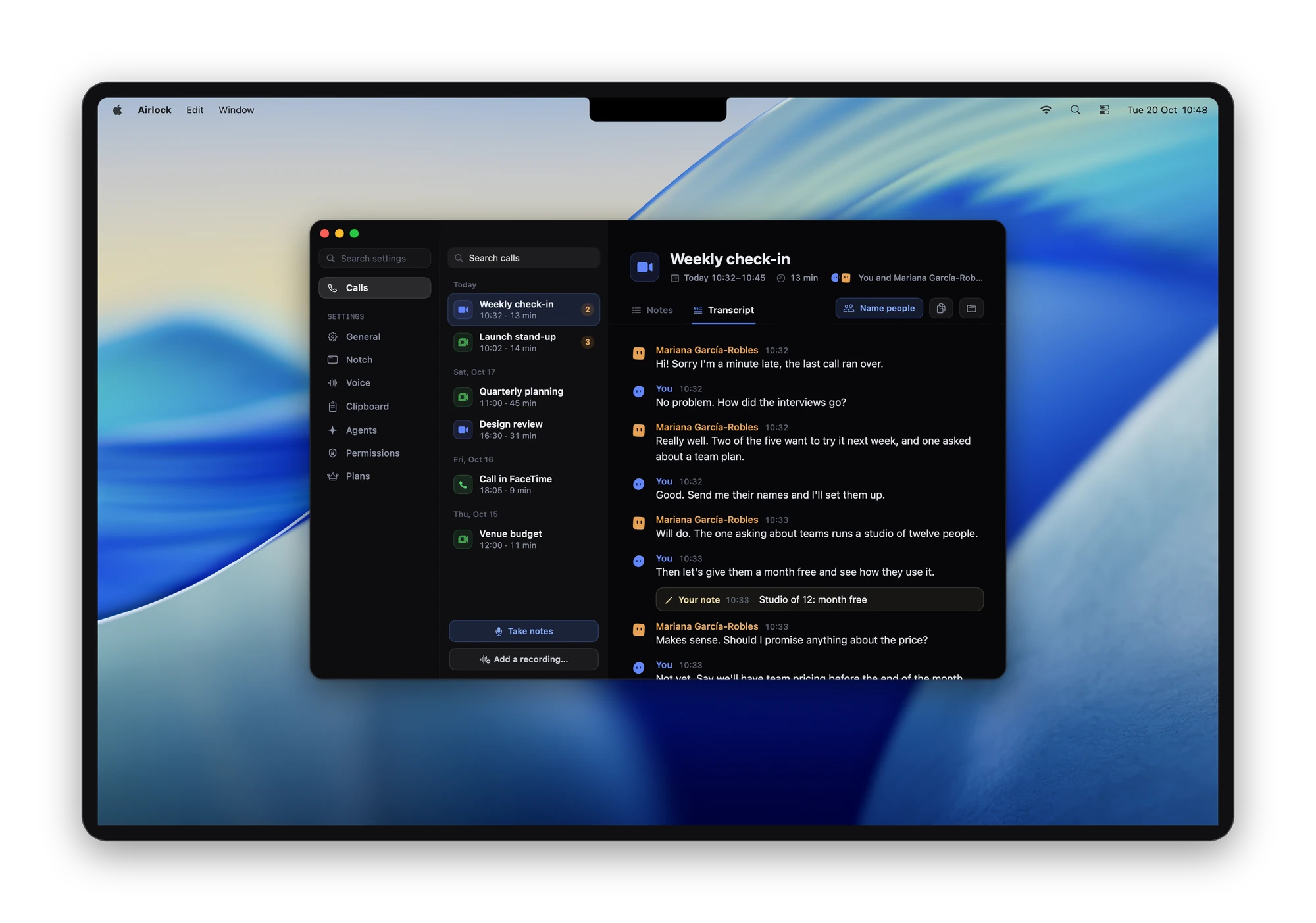
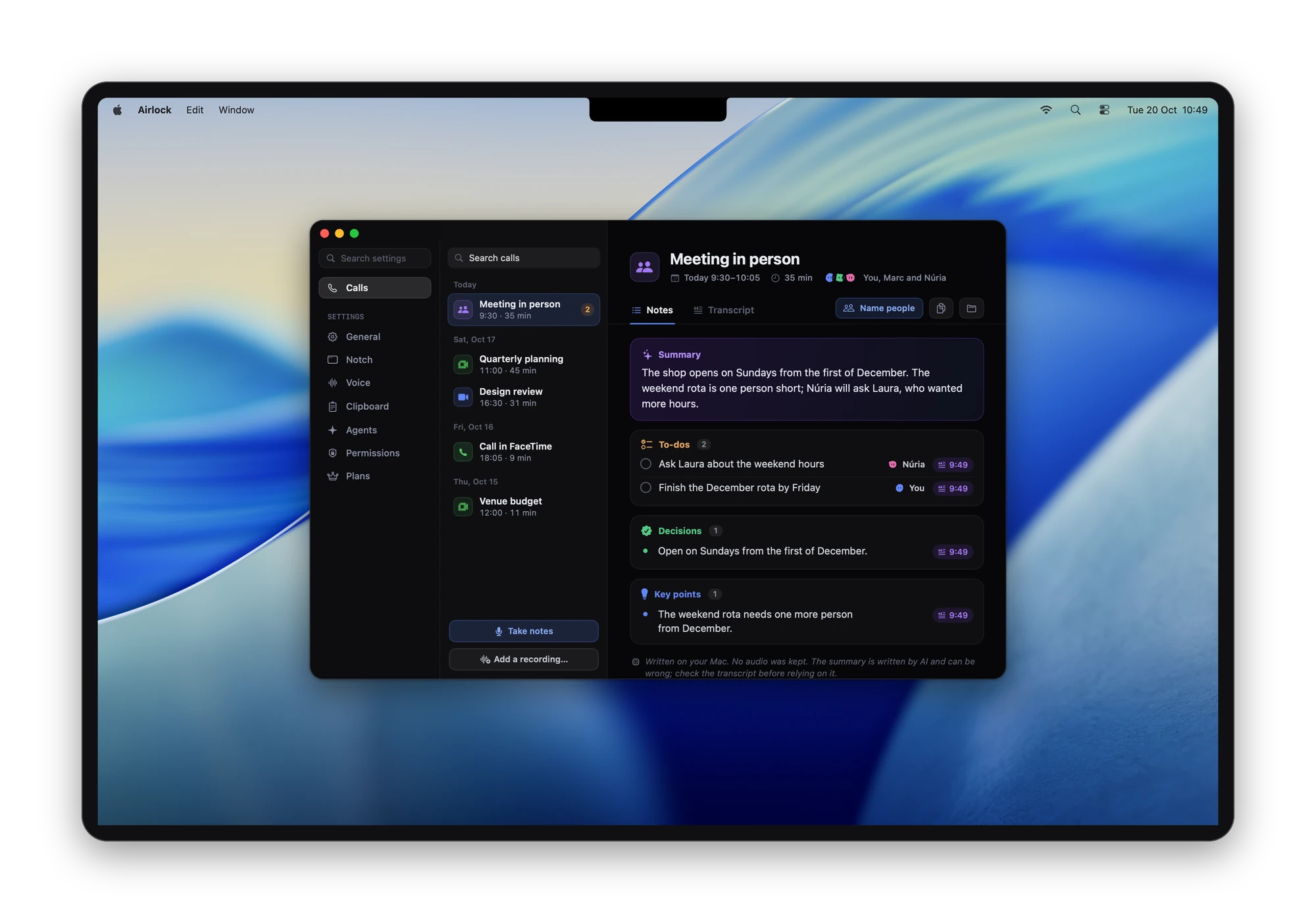
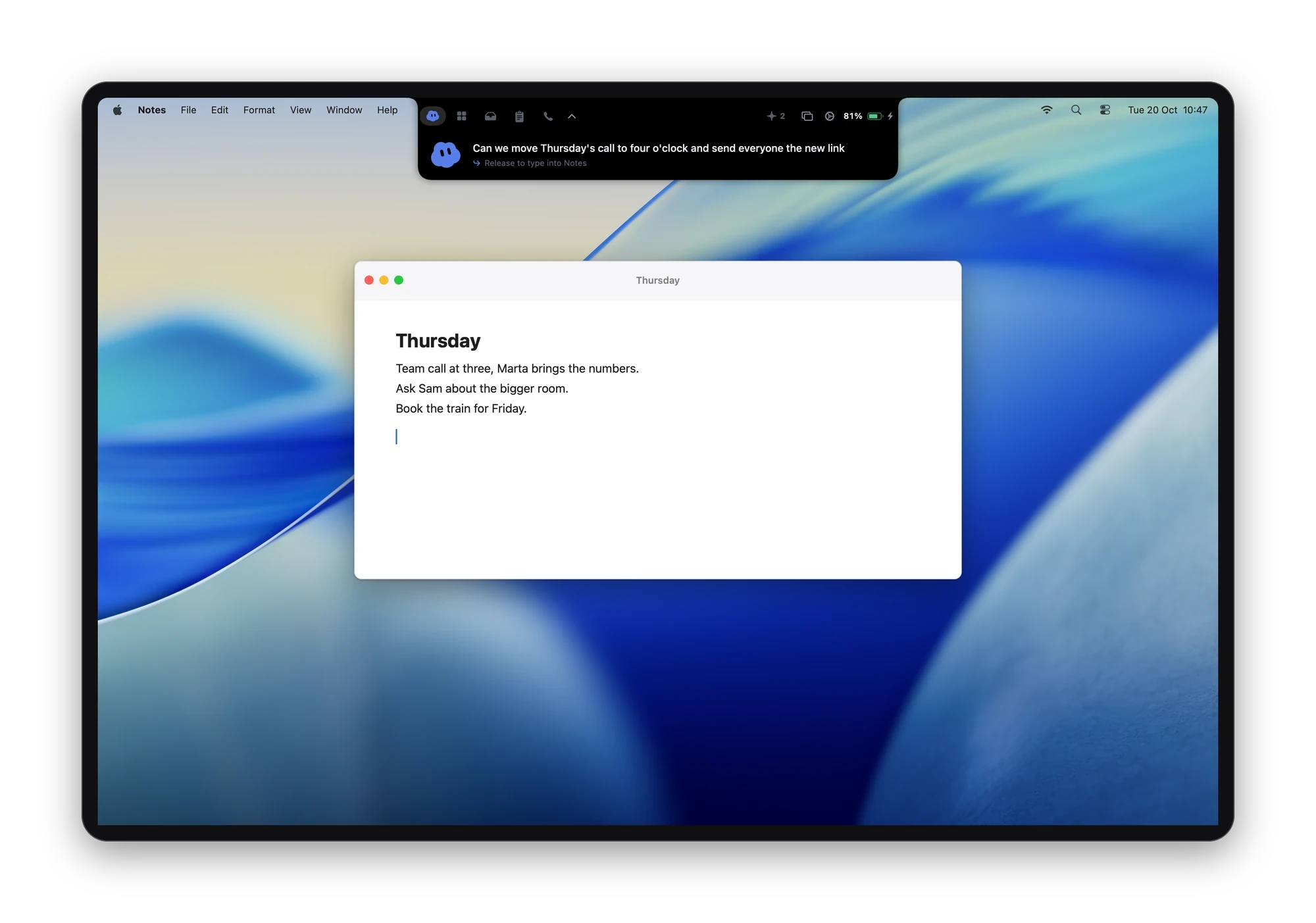
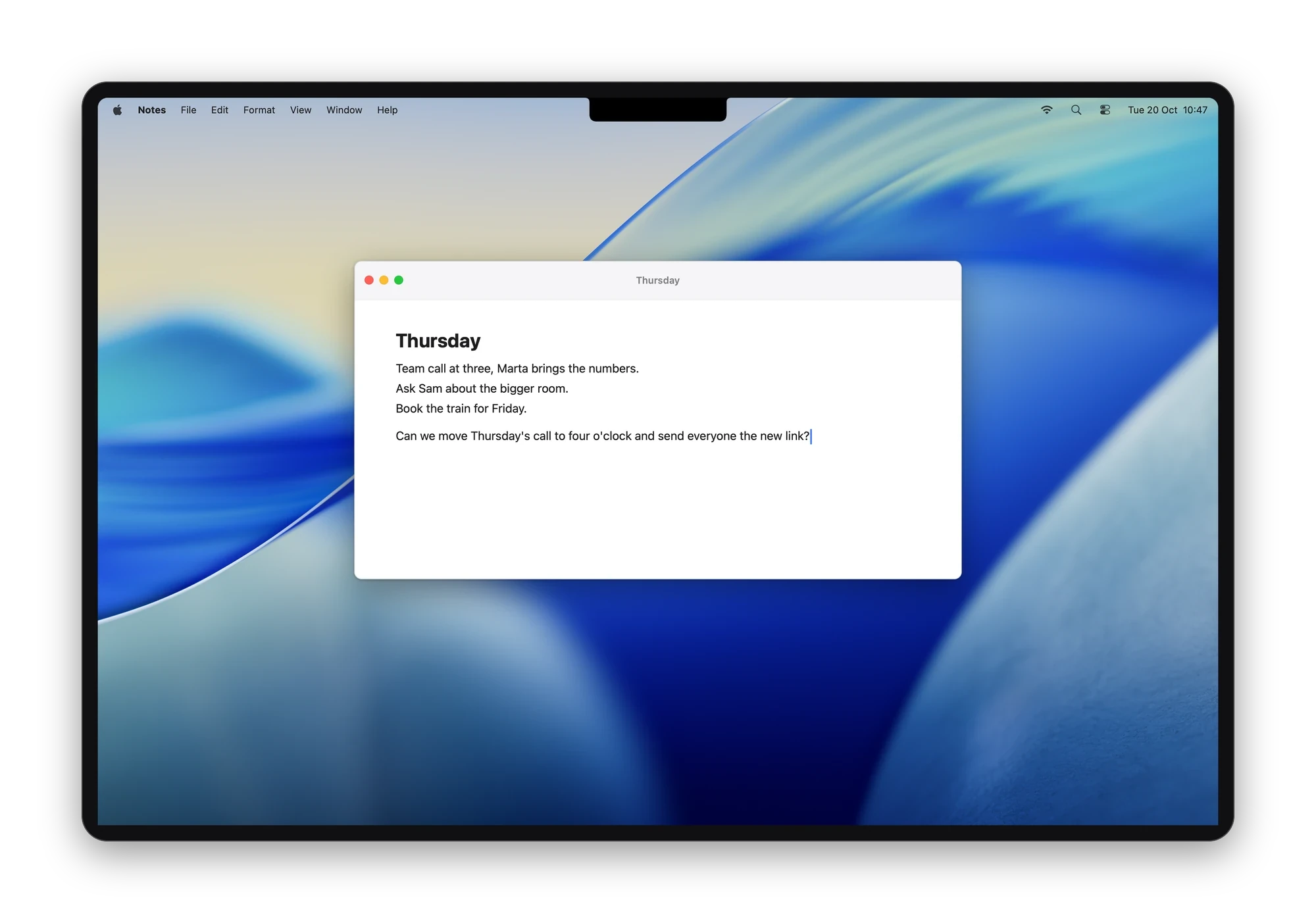
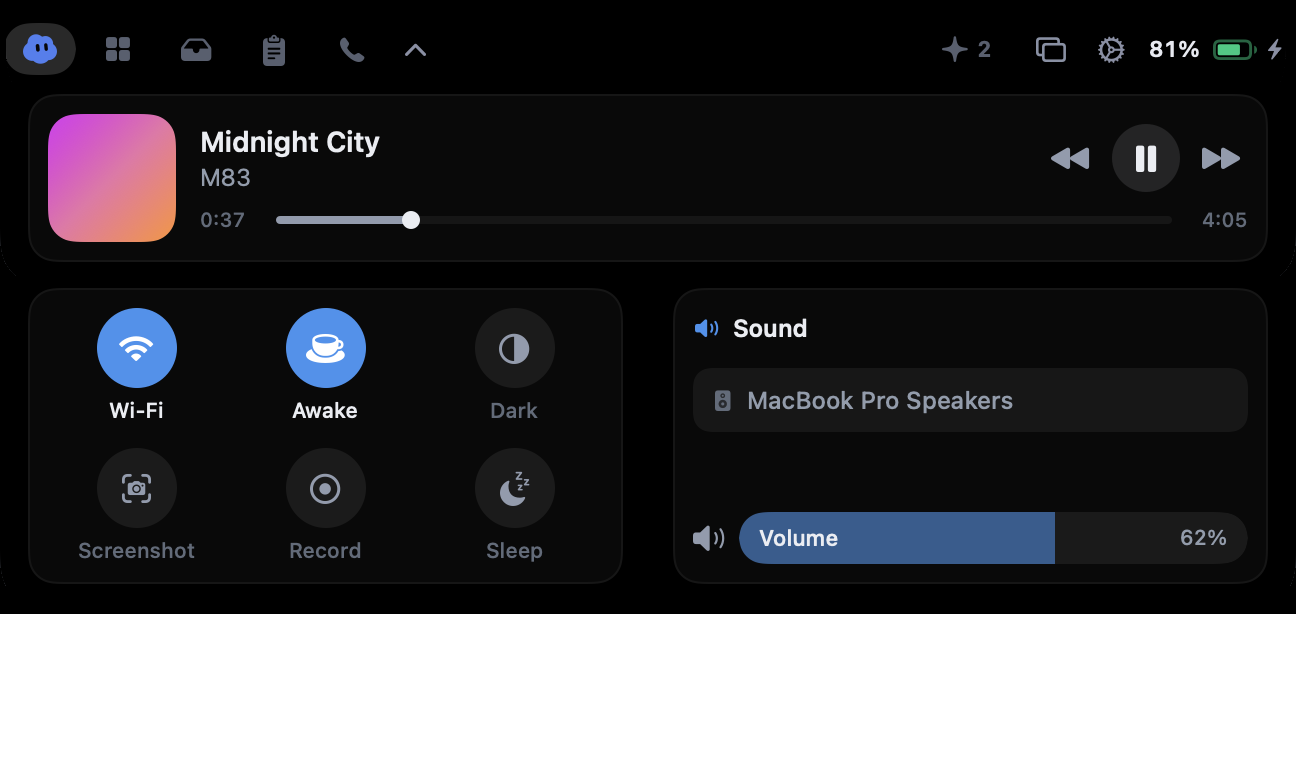
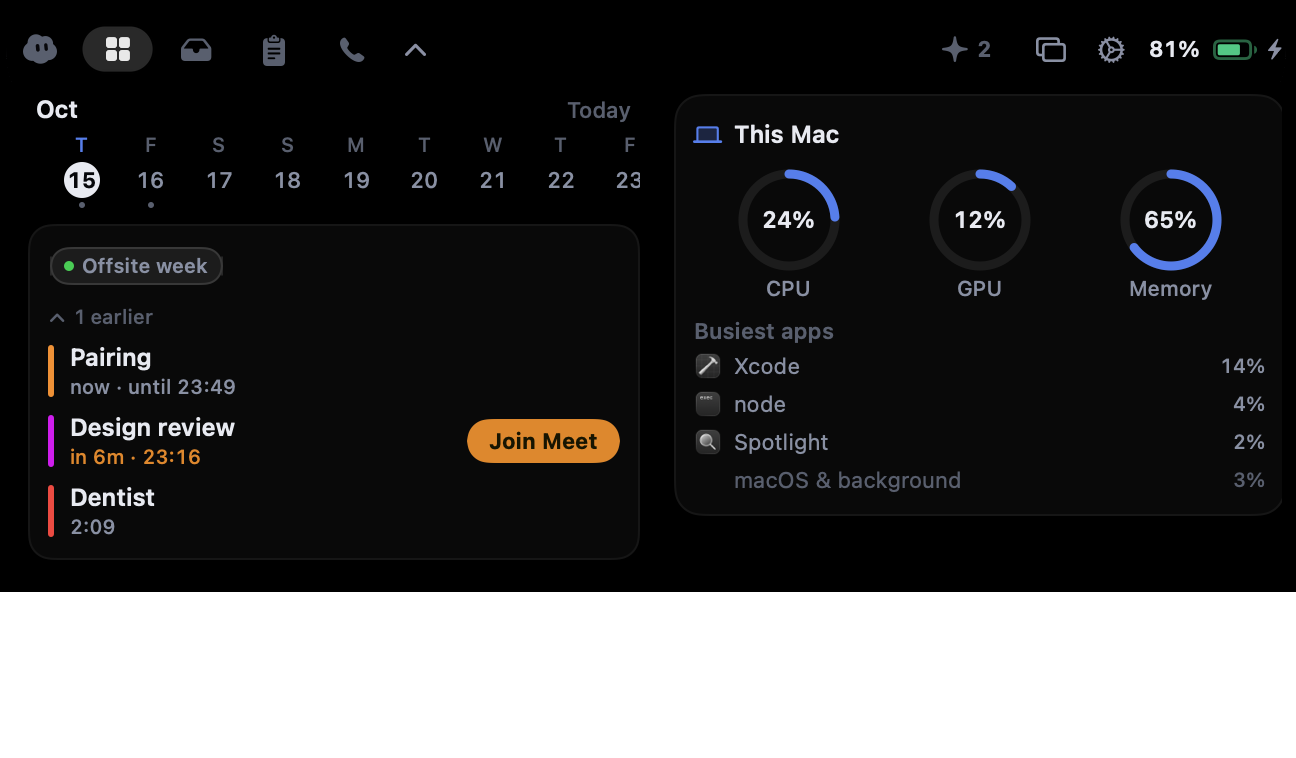
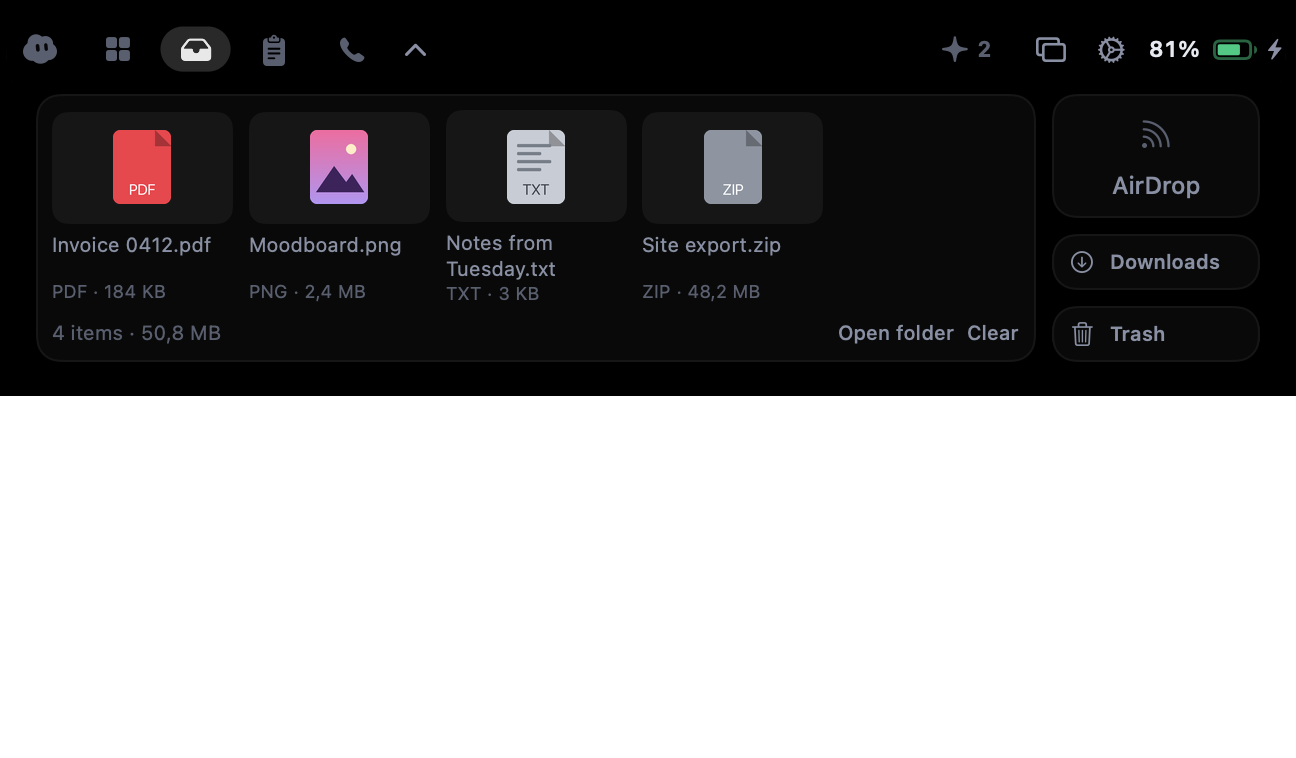
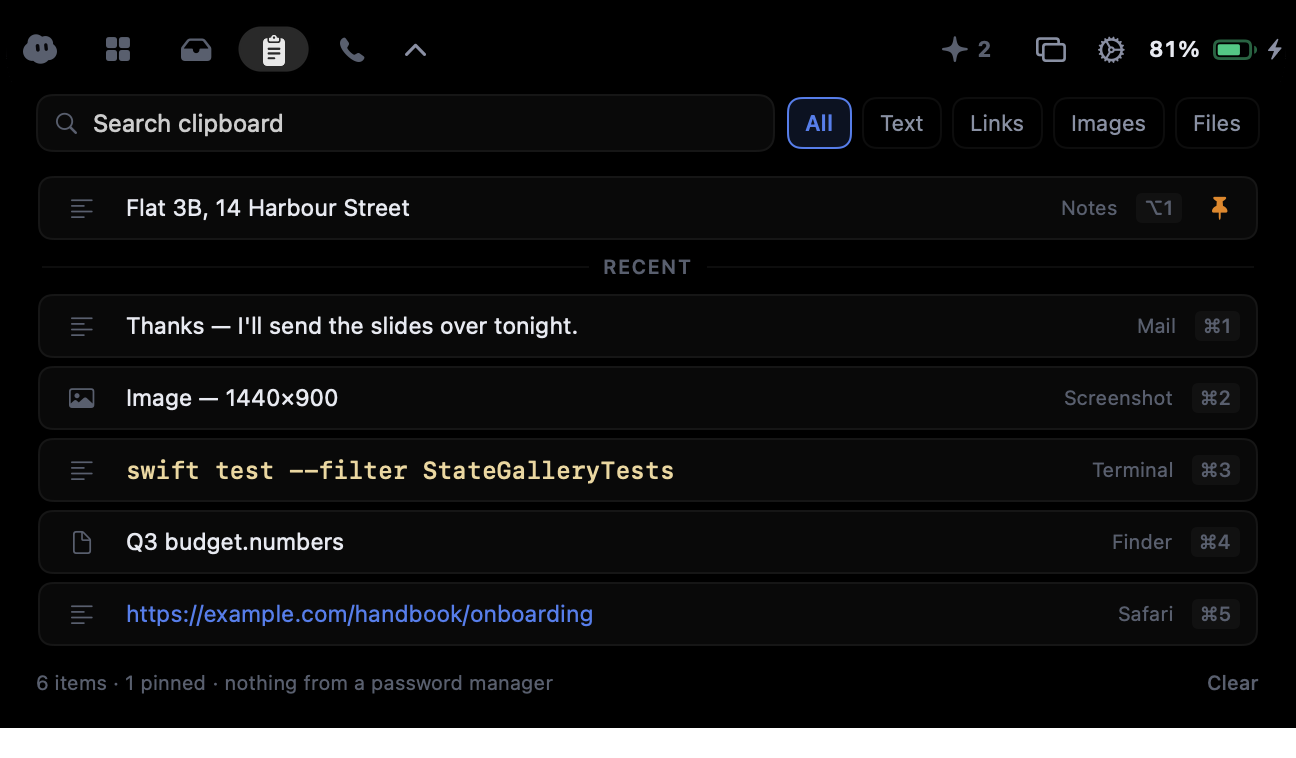
Inside are now playing from Spotify and Apple Music, a searchable clipboard history, a shelf to park files mid-drag, today’s meetings with one click to join, system controls, and dictation that types what you say. When a call starts in Zoom, Google Meet, Microsoft Teams, Discord and other call apps, the notch offers to take notes: the words appear as they are said, and a summary and to-dos come when the call ends. No audio is ever kept.
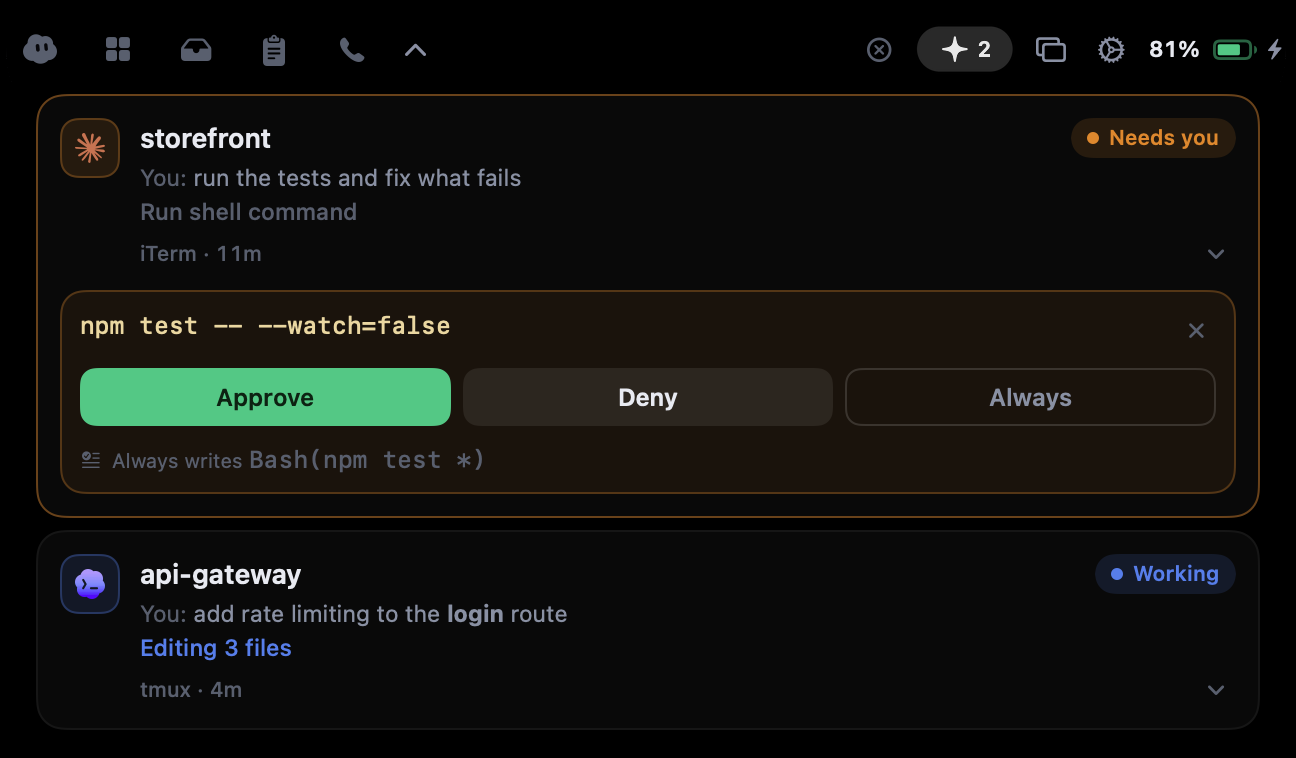
For developers, Airlock brings Claude Code’s permission requests and questions to the notch, so they can approve, deny or answer without going back to the terminal, and it shows when OpenAI Codex is waiting.
Airlock has a Free plan with no card and no account; Plus and Pro add the whole of every call with its voices told apart, a bigger clipboard and every agent.
Logo and icon
SVG files scale to any size. PNG files have a see-through background.









On a Mac
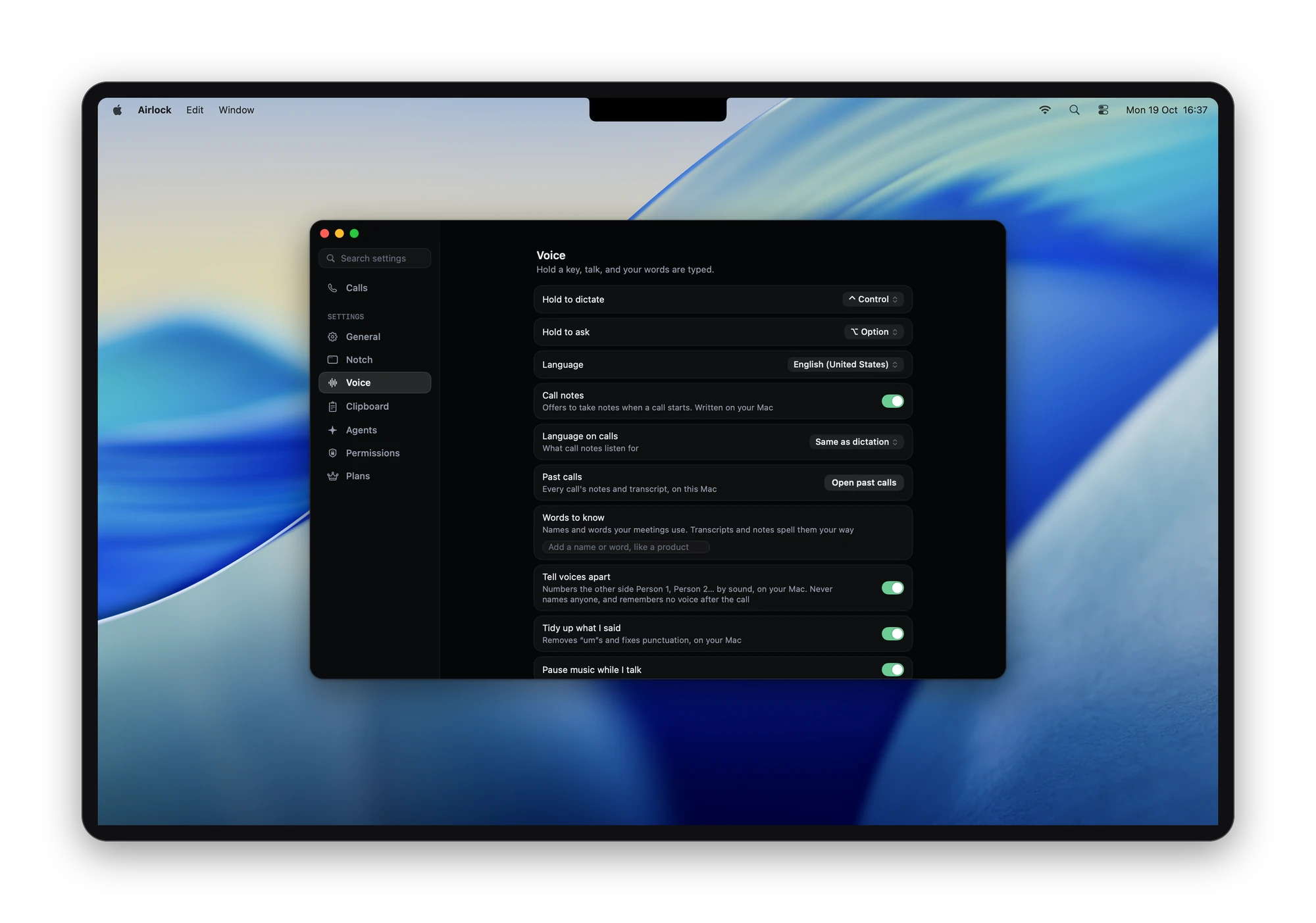
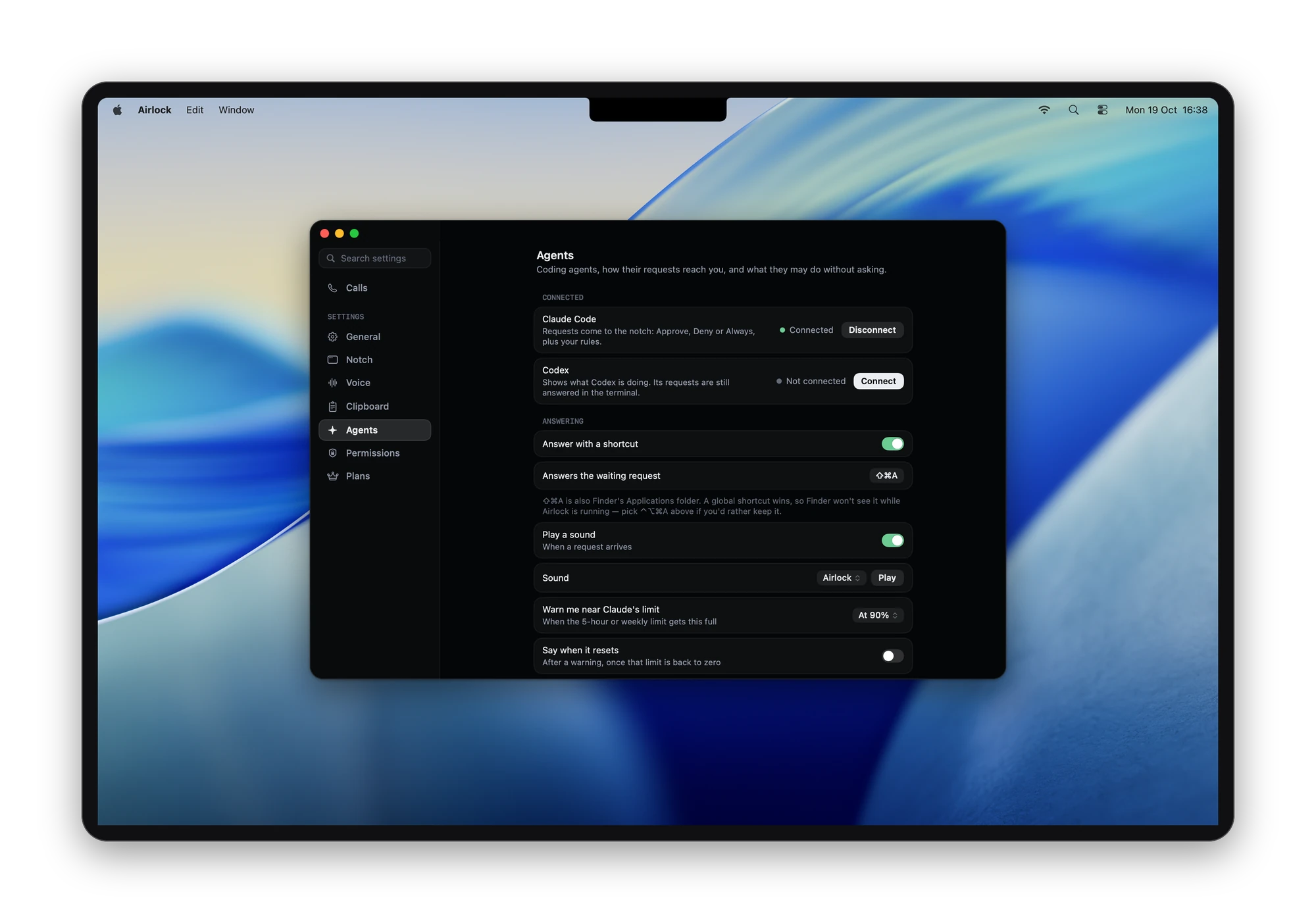
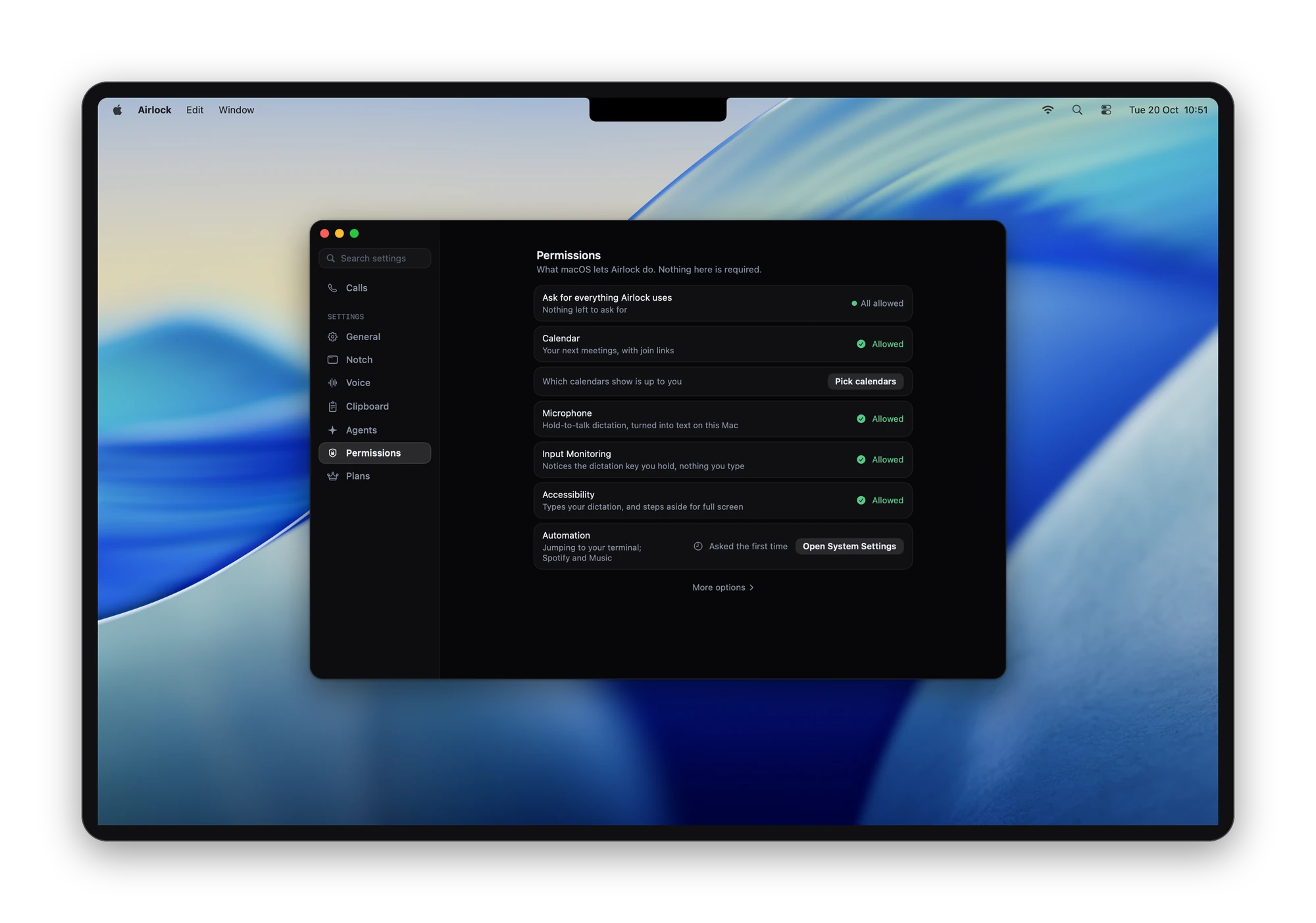
Airlock on a whole MacBook screen, in a display frame with a soft shadow. Around the frame the picture is see-through, so it sits on any background. Each opens at full size (2000 × 1403, WebP). The names, calls and messages in them are made up.
The notch
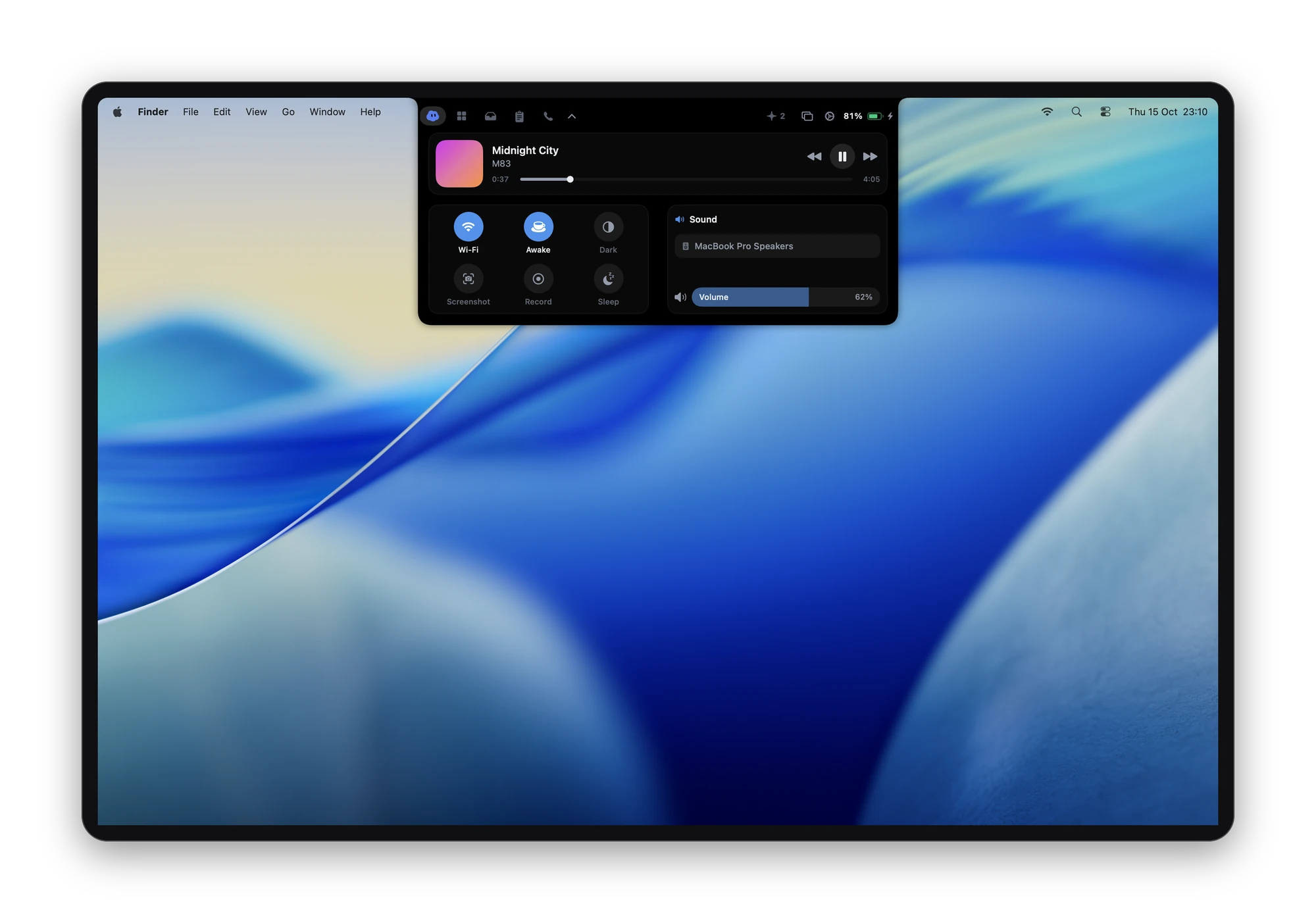
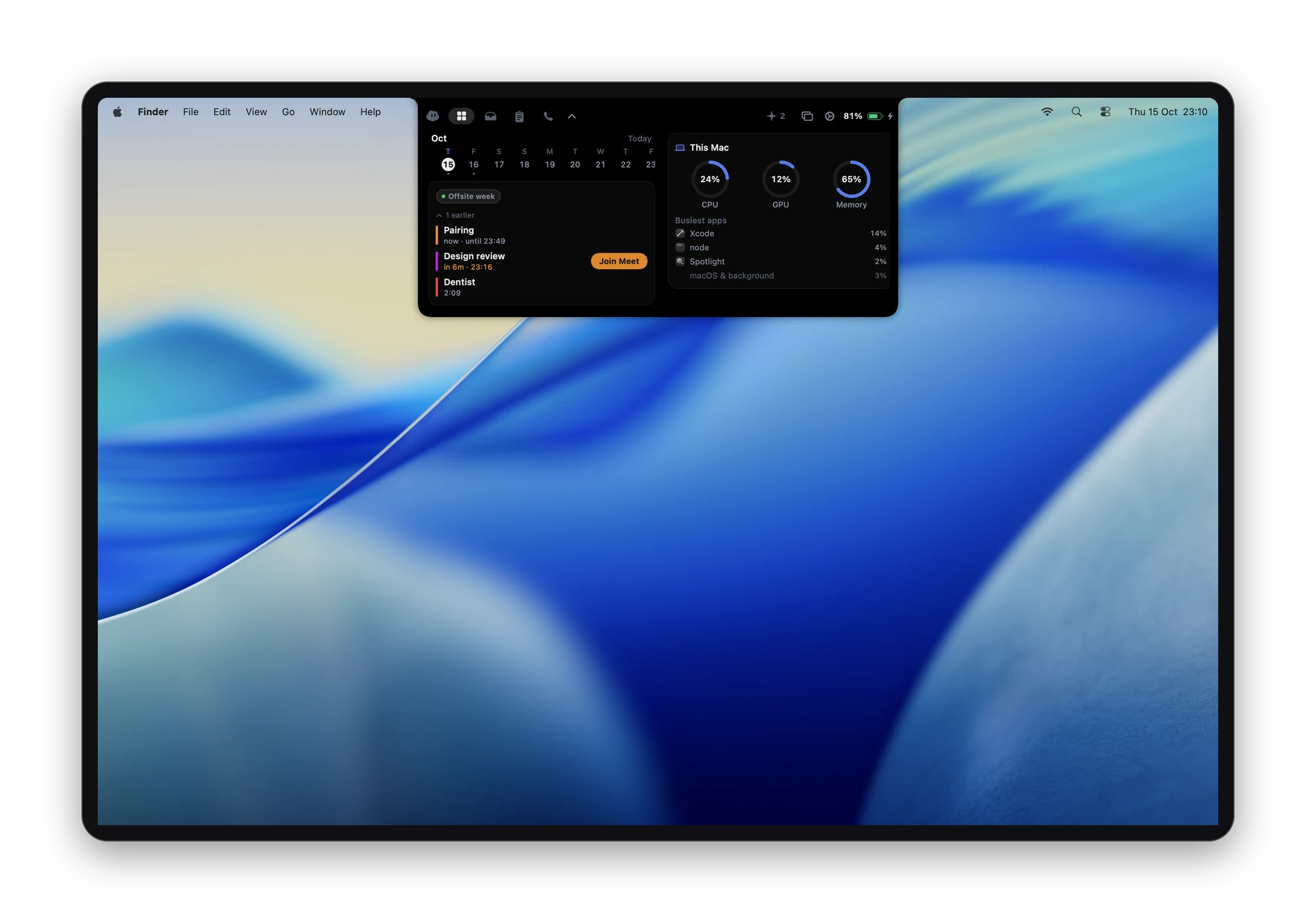
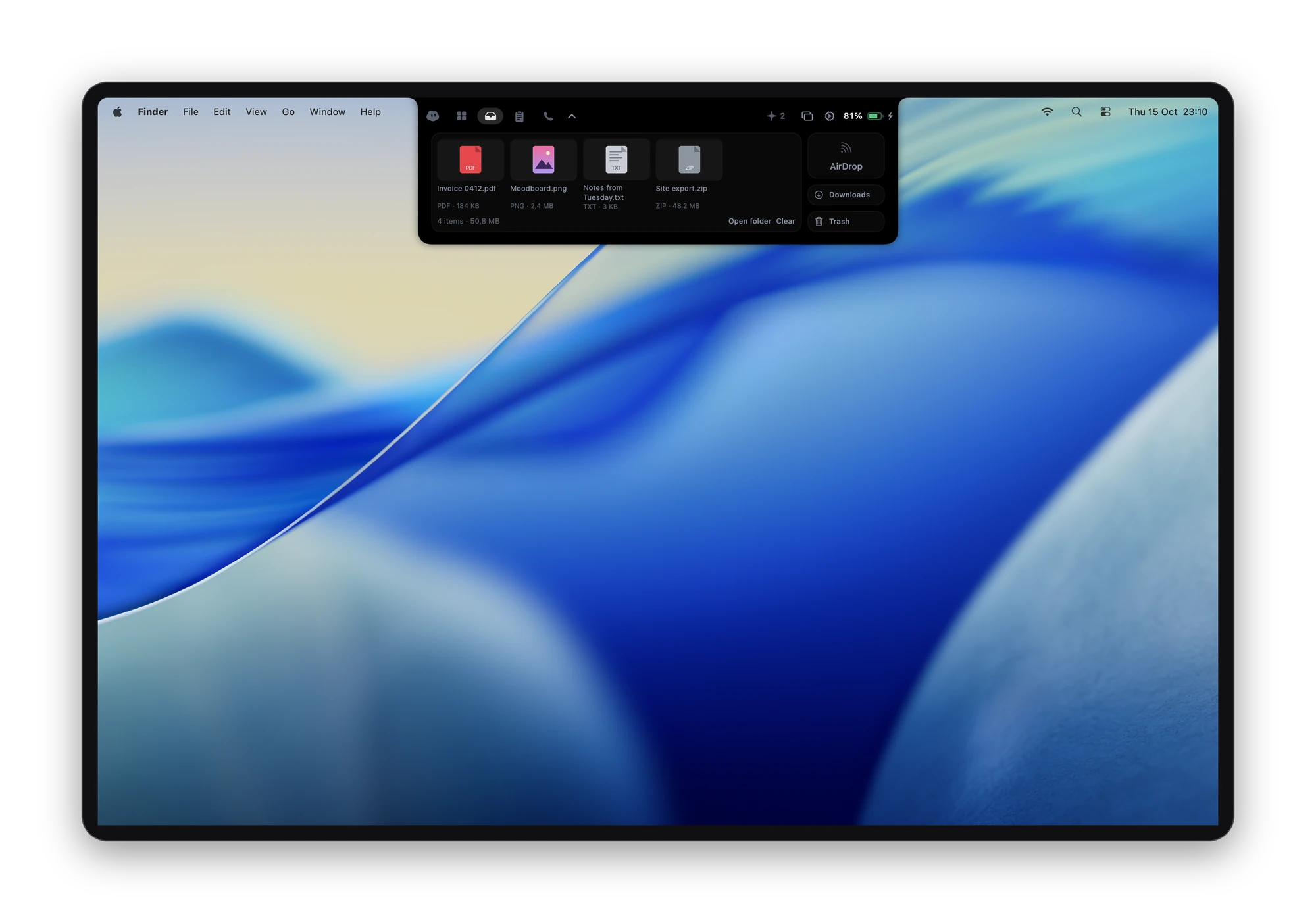
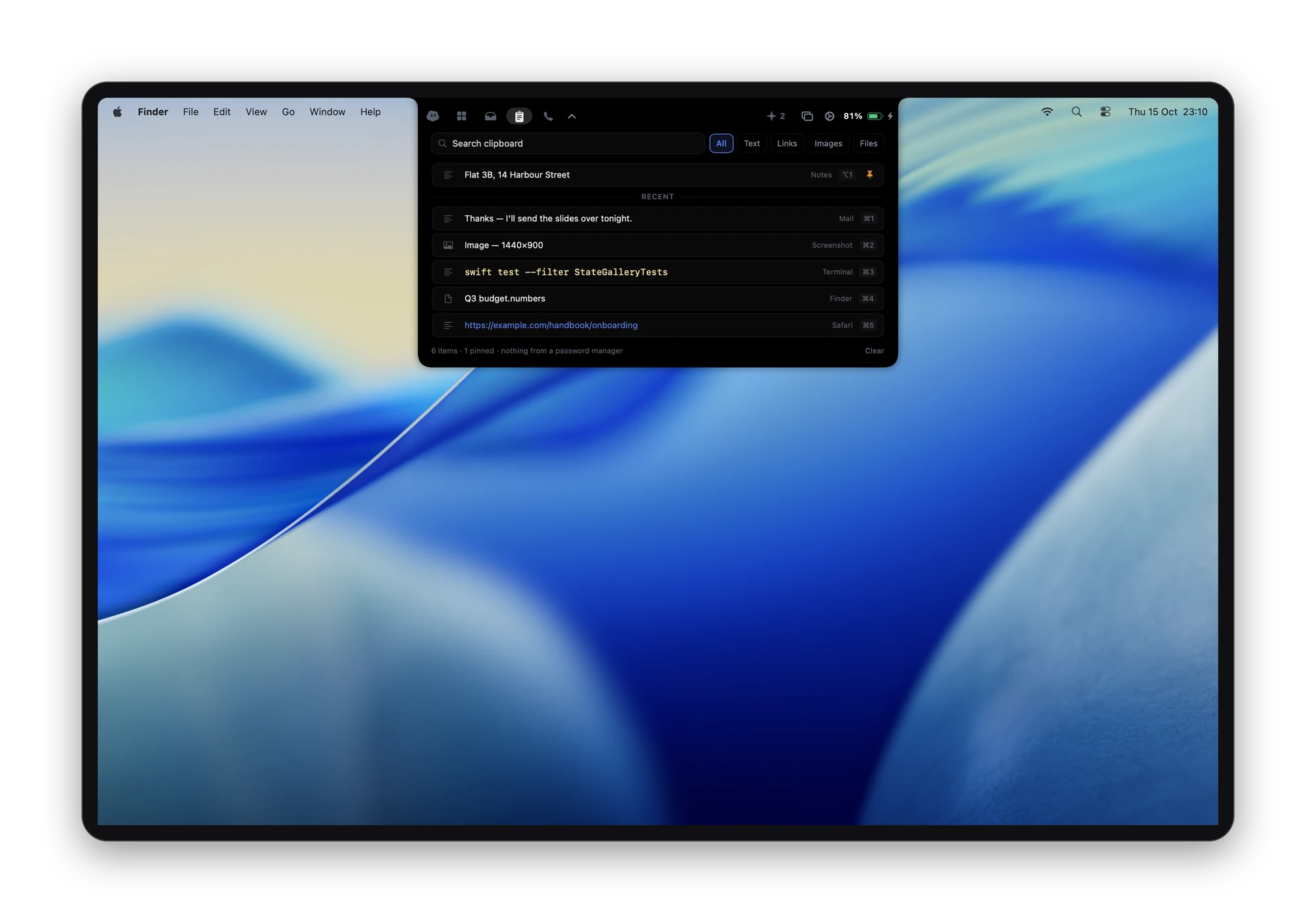
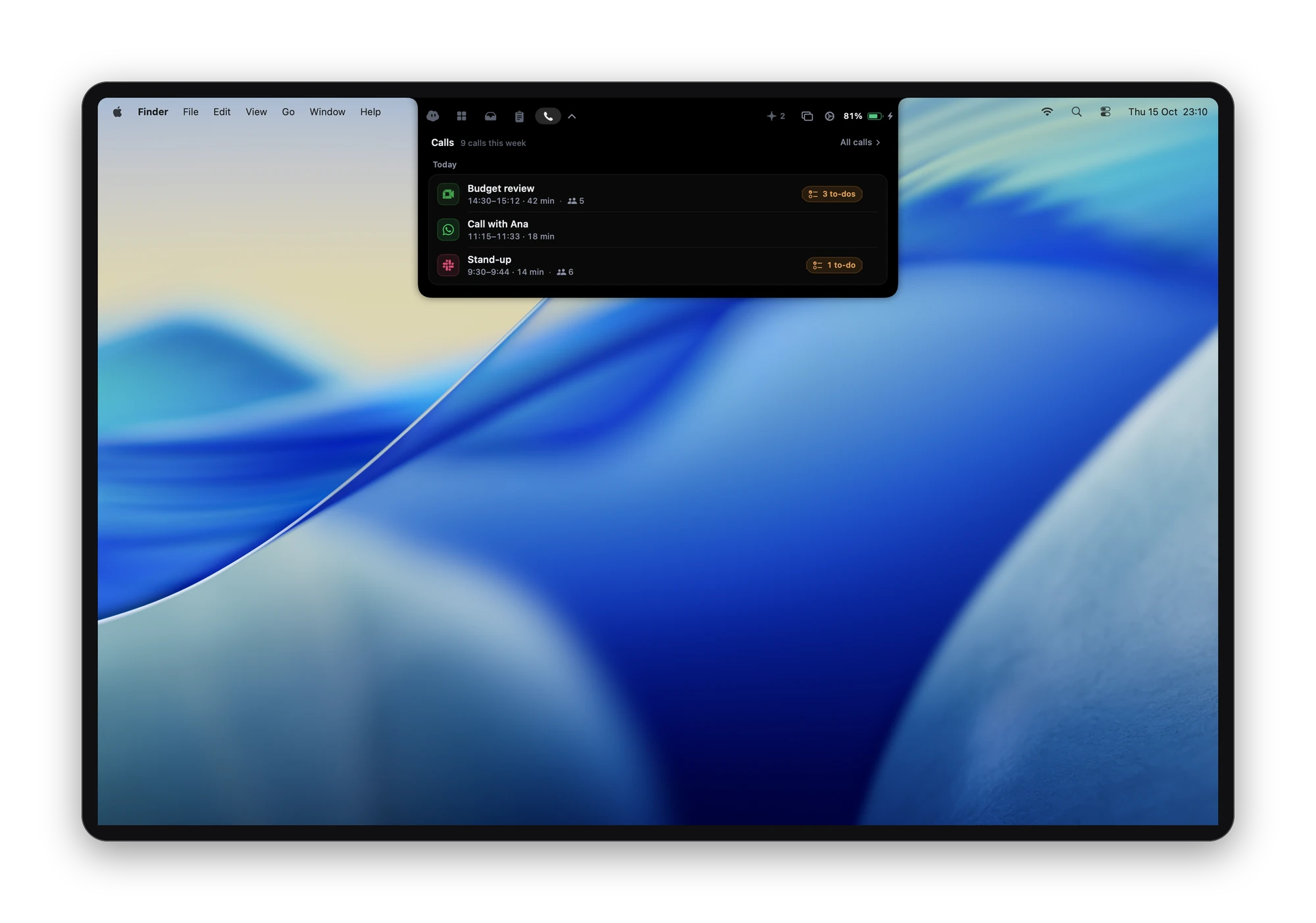
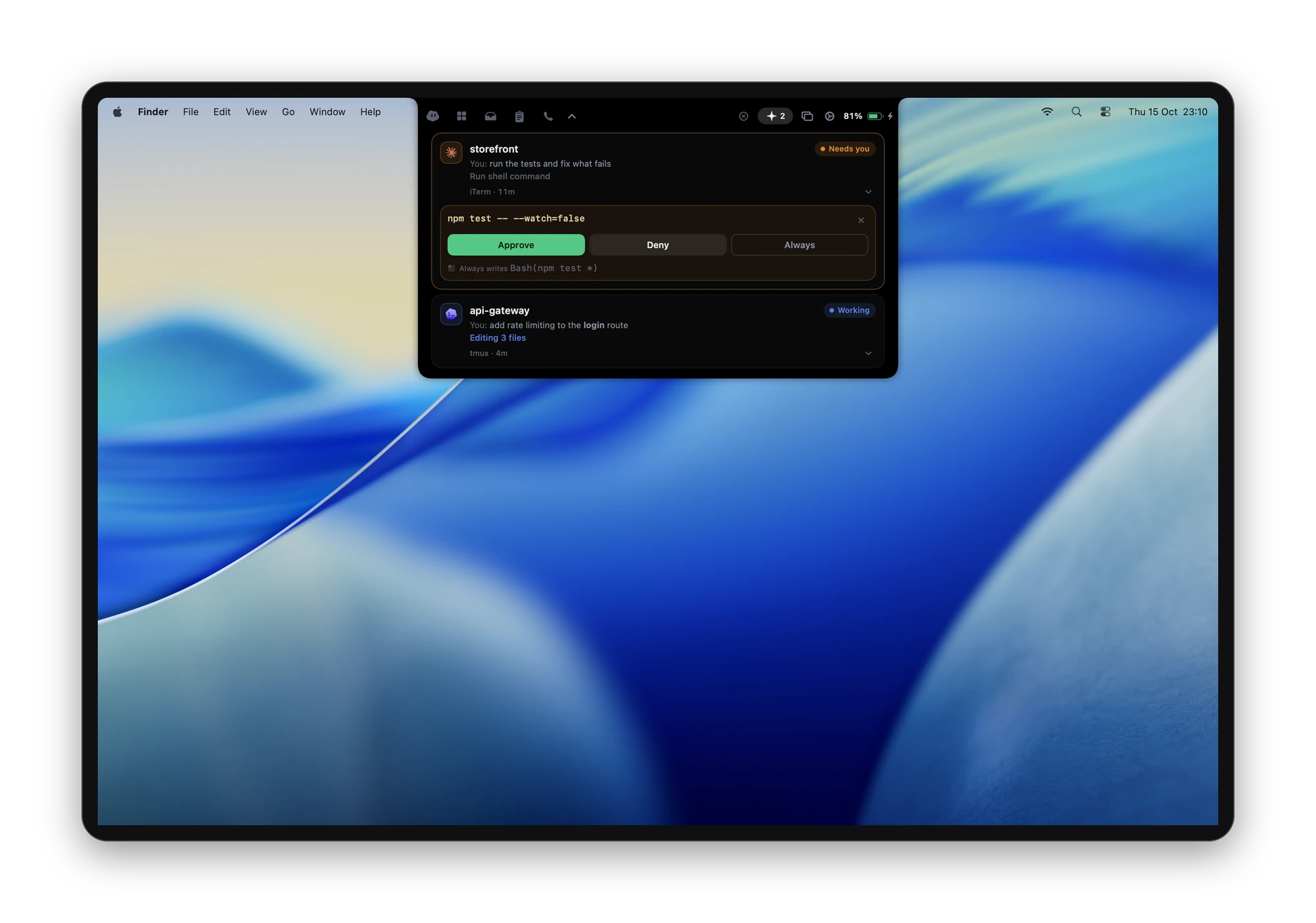
A call, from start to notes
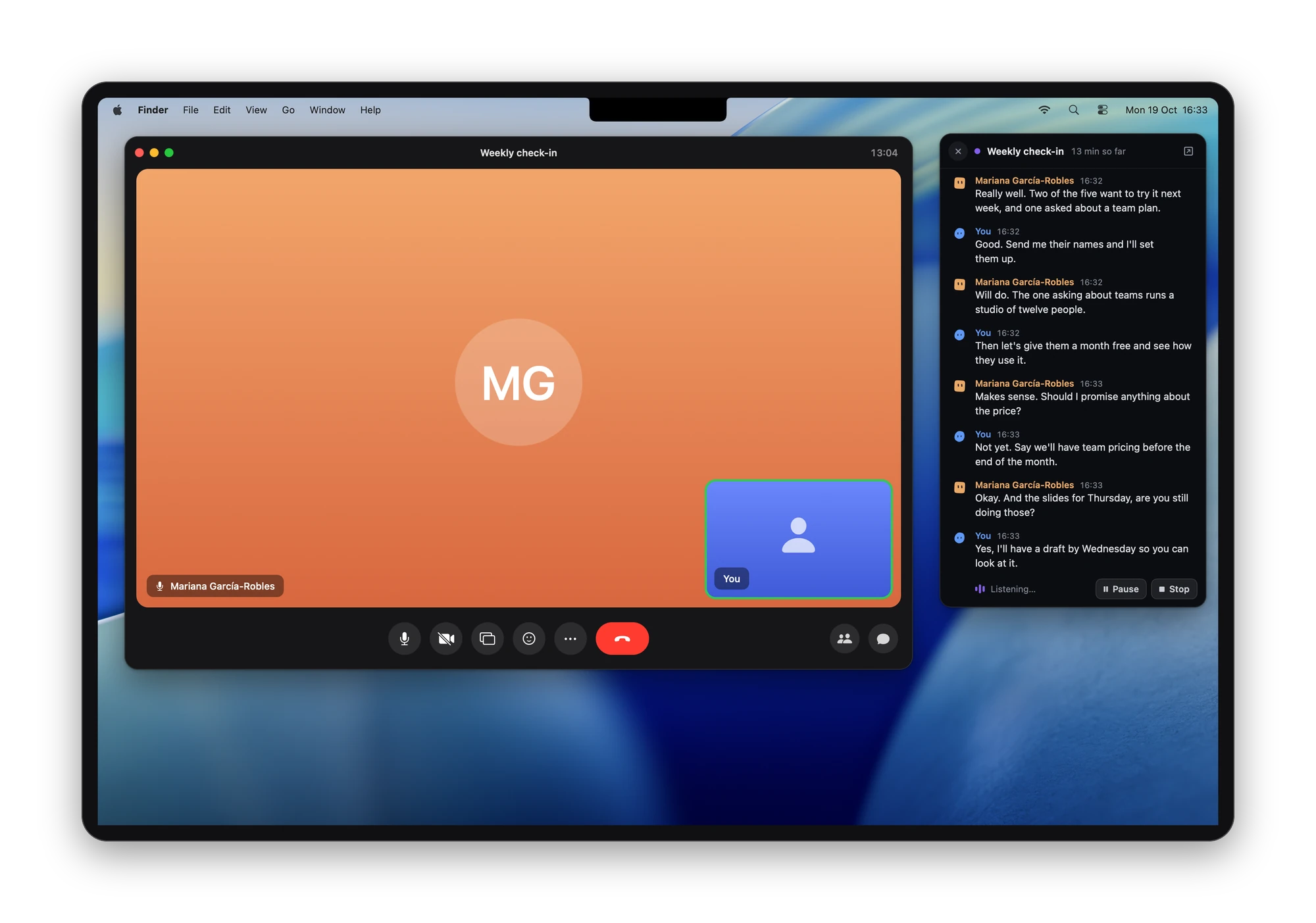
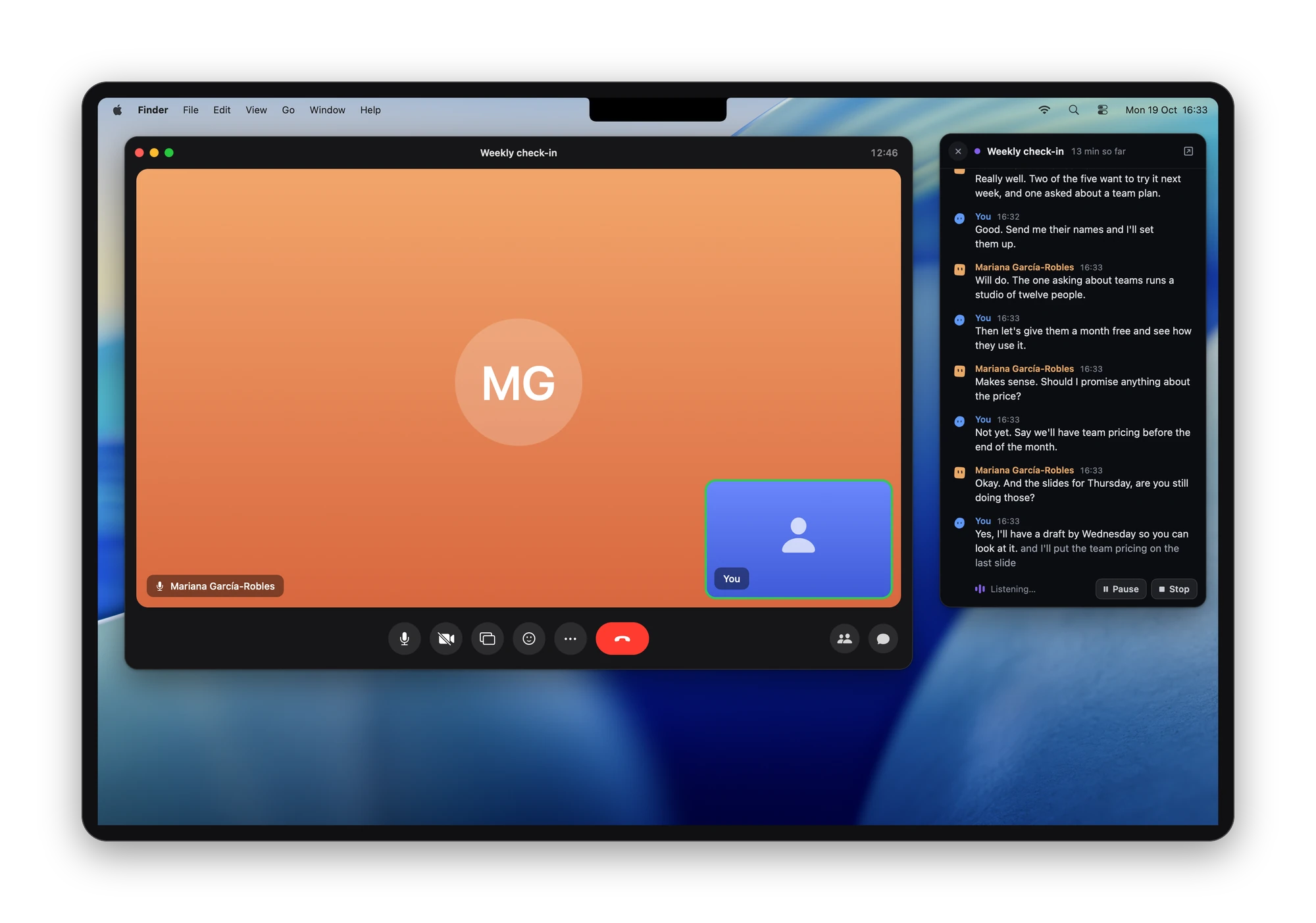
Dictation
Settings
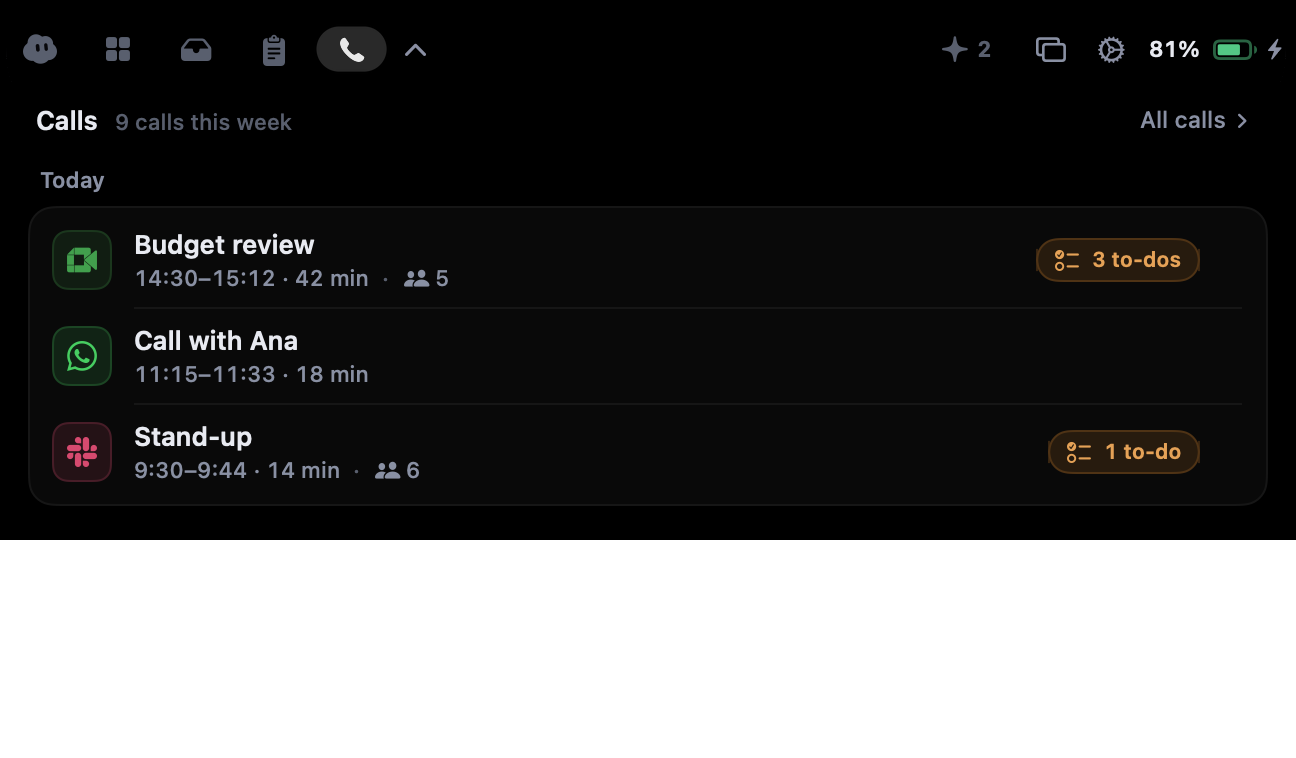
The panel, close up
The panel as it opens out of the notch, one picture per tab. Each opens at full size (1296 × 758, transparent around the panel).
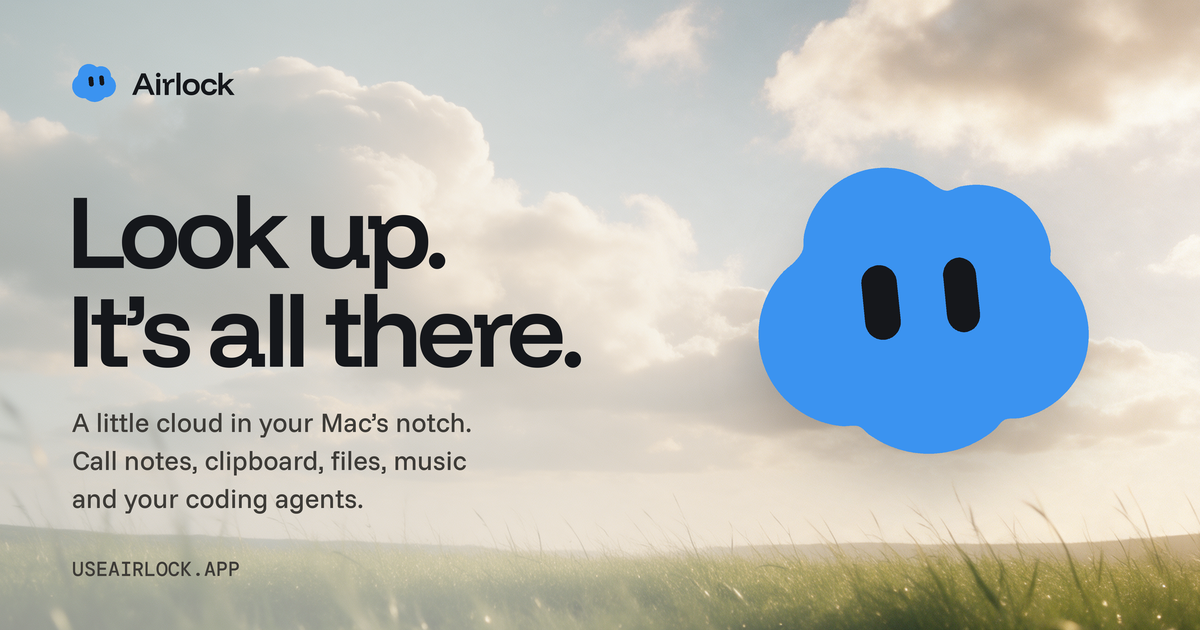
A wide picture for link previews and headers: banner, 1200 × 630.
Contact
hello@useairlock.app, for questions and interviews.